Hey!

Nowadays AI Tools Many of you feel tired because there are too many related articles or advertisements, right? I also have a lot of sites that I just sign up for and don't use.
Today, among other things, I signed up for the service Sites that I visit at least 3 times a week in real work or everyday life 3 PIECEI just summarized it. I felt it while writing it myself. Disappointment(Disadvantages) I also wrote it down. I only choose what I need Put it to work.
1. PPT auto-generator to eliminate blank screen phobia: Gamma (gamma.app)
When you suddenly need to grab the presentation materials or report bones before you leave work, you just need to look at the blank PPT screen. Line of topicAll you need to do is enter and the AI From the table of contents to the slide layout to the content of the body A tool that weaves in seconds.
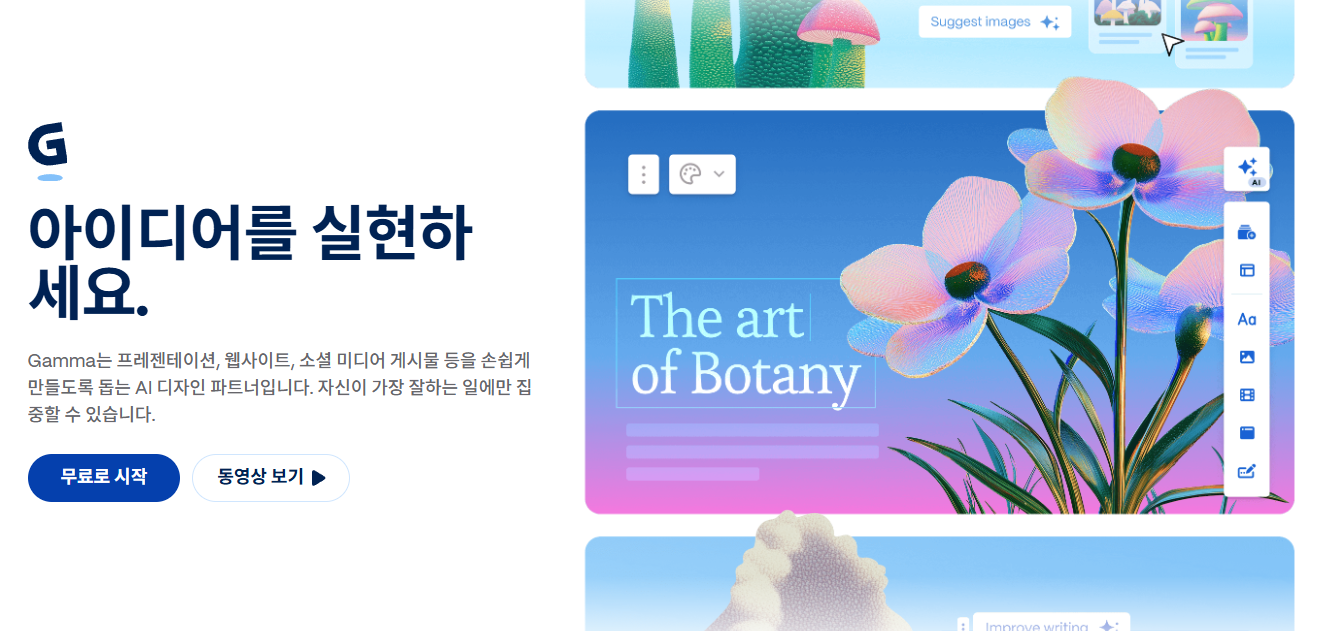
Practical Uses
Rather than making a complete version, Grab drafts and skeletons Great for use.
If you look at the table of contents captured by the AI and refine only the necessary contents, then download the PPTX file and just transfer the text to the usual company form, the planning time will be drastically reduced.
Honest Disadvantages
When you sign up, Free CreditsIt's quicker than I thought.
Sometimes the Korean text or fonts that AI has written are a little awkward, so rather than writing them 100% as they are, The process of a human being being being refined onceis a must.
2. Contextual translator without stiffness specific to the translator: DeepL (deepl.com)
When reading overseas materials or manuscripts Directly if you run an existing translatorBecause of the awkward sentences close to, it was often harder to understand. DeepL understands the context before and after sentences as translated by a human. The main advantage is that you change it naturally.
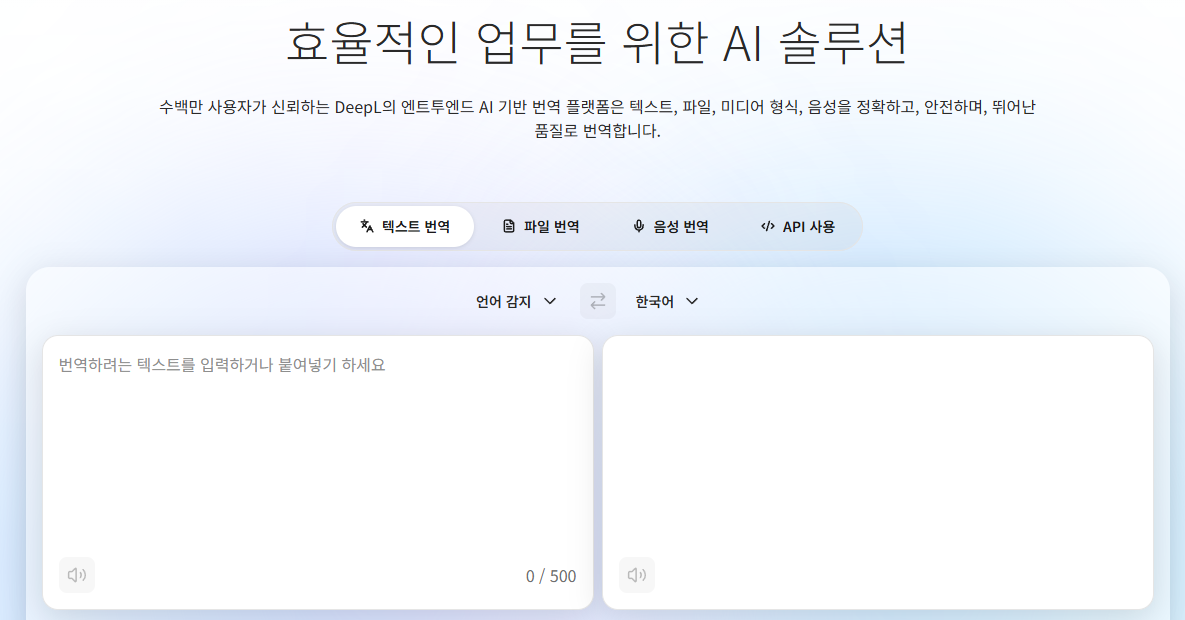
Practical Uses
It's really useful when you want to read a whole English text or a long PDF document.
When sending business emails overseas, if you write comfortably in Korean and then turn to DeepL, Smooth and formalReplace it with.
Honest Disadvantages
The free version allows you to translate Text Limit Of ContentThere is, and there is a small amount of PDF space that can be uploaded.
Jargon, or words from very specific fields, can sometimes be overly paraphrased and slightly distorted. Cross-check important sentences with the original textIt's safe to do.
3. Source-based search engine that removes Googling ads: perplexity.ai
When asked on ChatGPT, the most embarrassing thing is “when you lie so plausibly”. Purplexity is an interactive form of AI, but when it comes to giving answers, Which website did you get the information from? [1], [2] A search engine that clearly captures the link to the source.
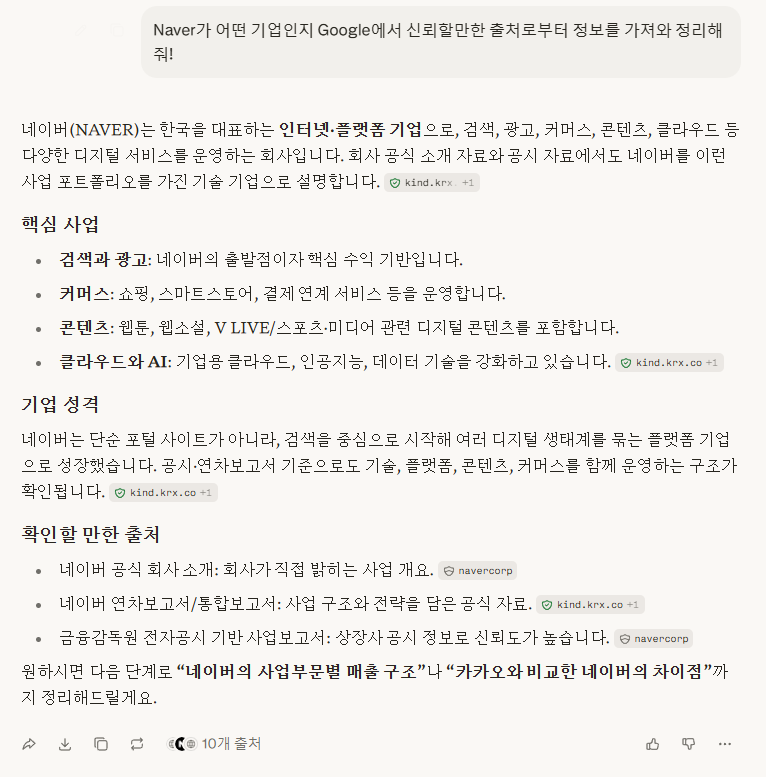
Practical Uses
When looking for the latest trends or specific information, you don't need to click on viral blogs or ads on Google Get to the pointI use it when I do.
It's a good idea to go directly to the source link at the end of your response to see if it's true.
Honest Disadvantages
If you ask a question too vaguely, it may bring up a Naver blog or an unreliable personal site source.
Also, for the free version, if you get a lot of questions at once, Question RestrictionsThis may take a while.
📌 Three line summary
Research/Search: Find key information without ads with Perplexity
International reference translation: Translate and read smoothly with DeepL
Presentation/Report Visualization: Create a PPT skeleton in 3 minutes with Gamma
Don't pay for this or that from the beginning, Only get a basic free dose I recommend trying it out, and I hope you find the post helpful!