Hey!

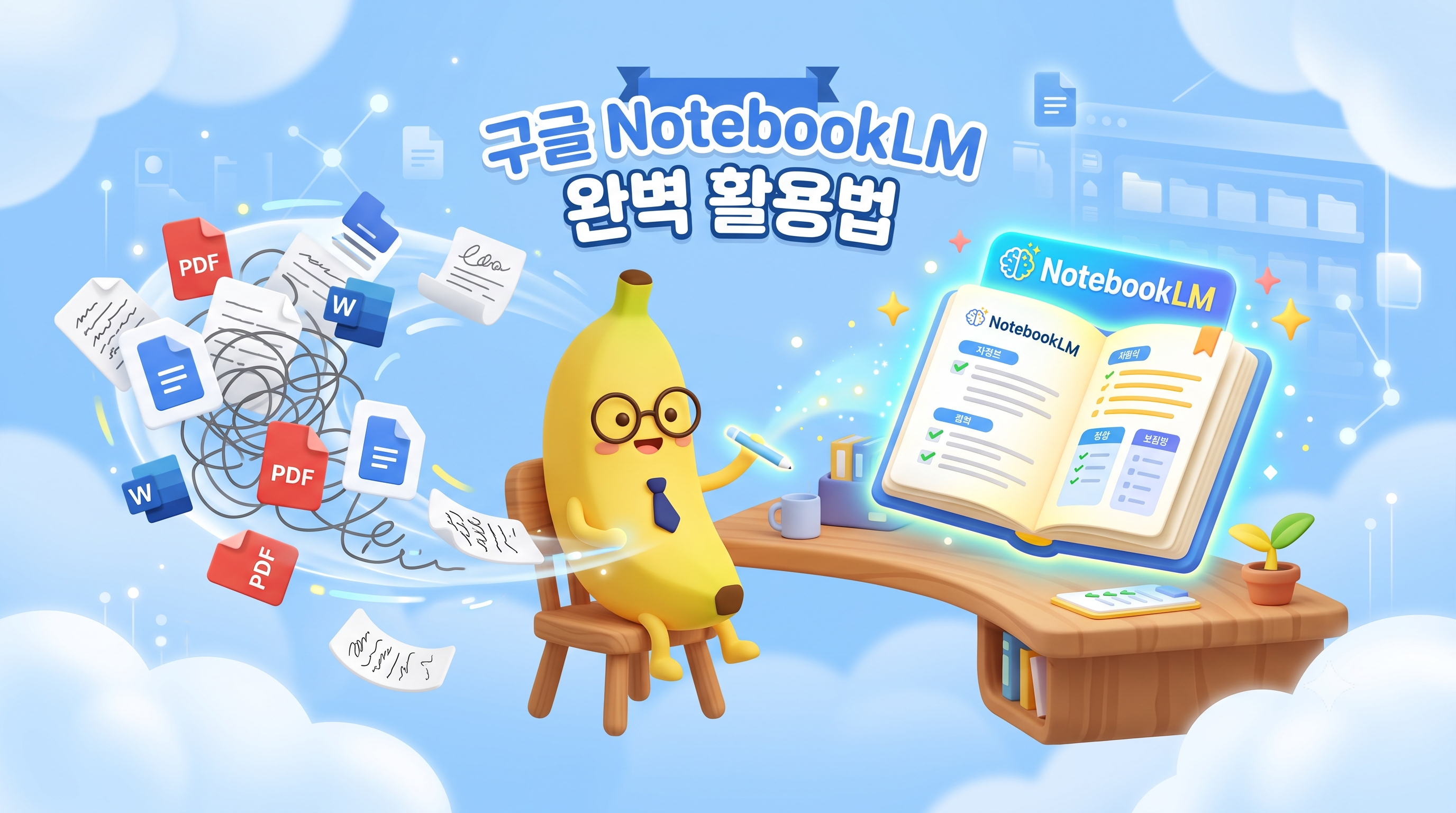
Throw out dozens of pages of PDF reports, manuals, or new business articles at your company or school. "Read this and summarize the key points." When you receive the same instructions, how do you handle them?
I usually copy and paste text into an interactive AI like ChatGPT or Claude and ask questions. However, if the amount of data was too long, the character limit would be imposed, or sometimes the AI would deliver reasonably false information that was not in the document, so it would take longer to match the original text.
Today's tool is Google's free AI note-taking tool, which I've turned on much earlier than Google when analyzing long reports, papers, and in-house rulebooks in recent months. NotebookLM.
Without any advertisements or sponsorships, let's take a look at the core features, routines, and honest shortcomings of rolling in practice.
1. How is NotebookLM different from the existing ChatGPT?
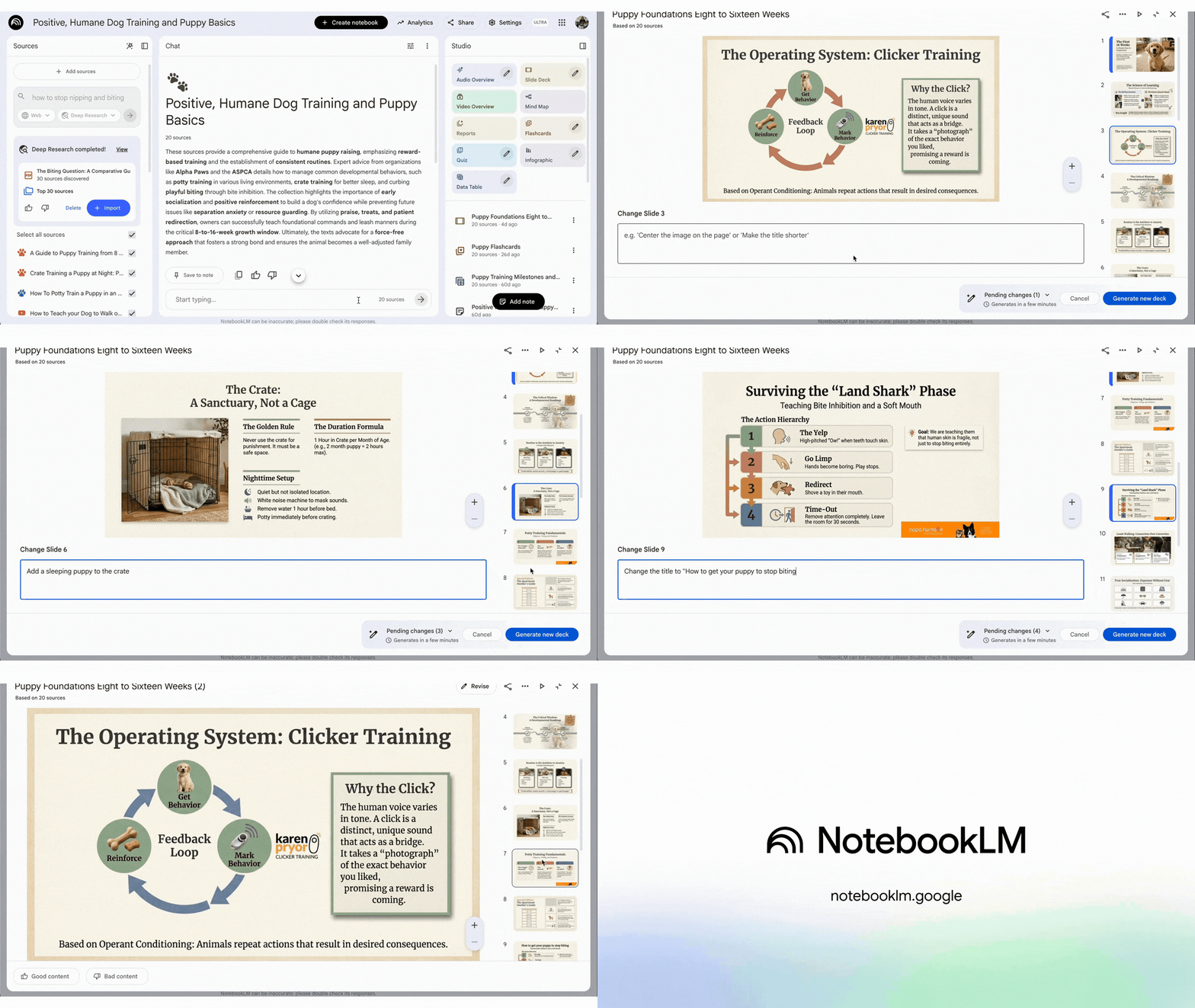
If traditional interactive AI was a way to provide answers based on data across the Internet, NotebookLM Only documents and materials that I have uploaded myself Based on Intelligent AI library to learn and answer.
In short, it's like giving your own dedicated intern a file of resources and then giving them a command to “answer the questions in here only”.
Conventional AI- Lies (hallucinations) or has an unclear origin by bringing in extensive information from the Internet.
NotebookLM- Very accurate and easy to verify as I only answer within the range of my uploaded files (PDF, Google Docs, web links, text, etc.).
2. Step-by-Step Routines Practiced by Operators
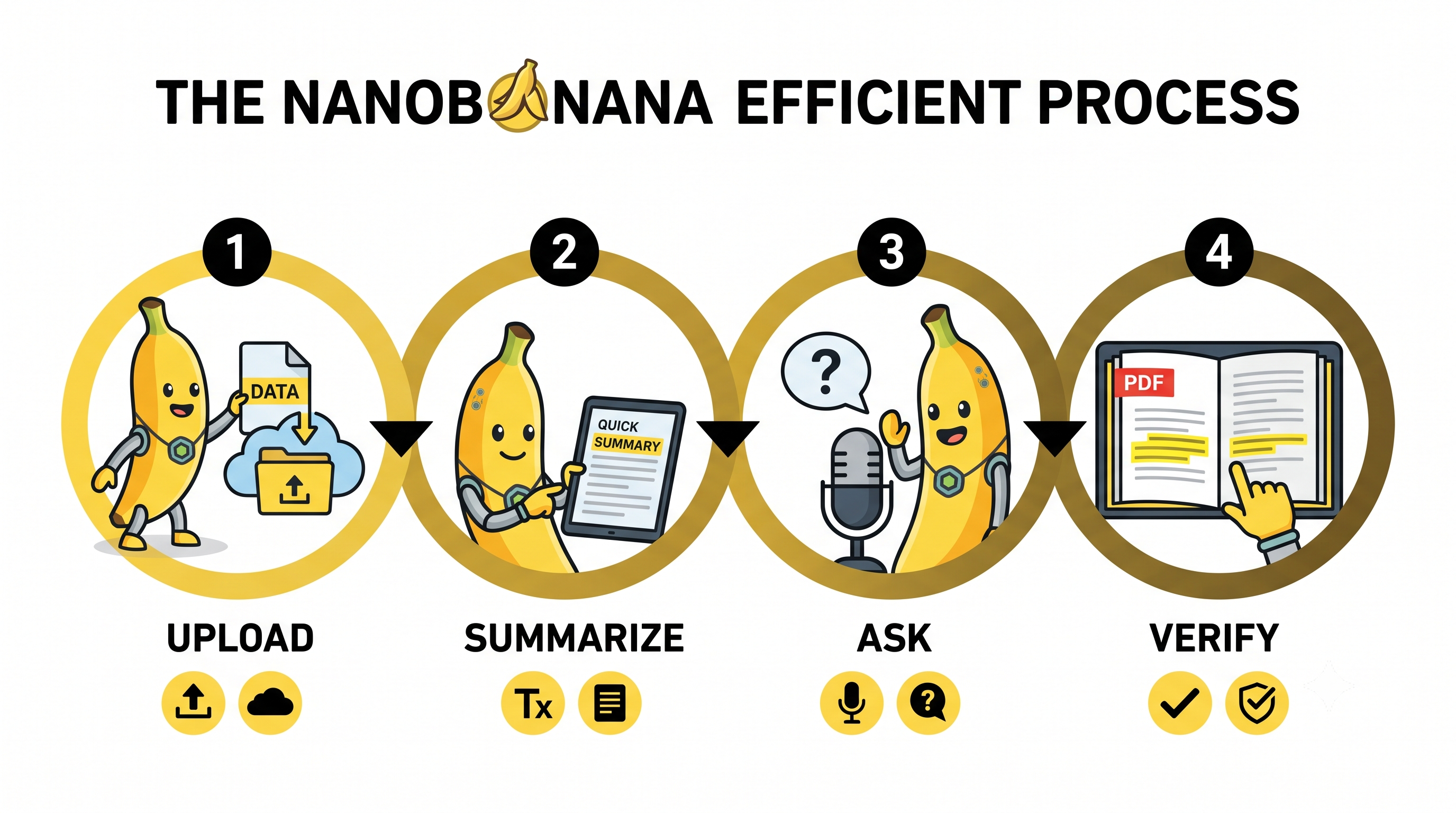
When starting a new project or analyzing a large volume of international reference material, I use the following steps:

Step 1: Drag and drop the relevant data file (register source) Access NotebookLM and create a new notebook, then drag and drop to upload the PDF document you need to analyze, the Google Drive document, or the URL of the website you want to reference. Up to 50 sources per laptopYou can register by, so you can put all your project materials in one place.
Step 2: Check the auto-generated 'notes summary' and key questions As soon as you upload the document, the AI reads the whole thing in seconds and grabs a summary. In addition, I recommend a list of key questions that can be drawn from this document, and just by reading this, you get 70% of the context.
Step 3: Pick up the information you need and ask questions TherePlease summarize the main budget share and 3 risk factors mentioned in this report.“The AI analyzes the document from multiple angles and summarizes the key points.
Step 4: Cross-validate the source text by clicking on the source annotation If you click on the number that is attached to the end of the answer, The exact location and paragraph of the original documentHighlight on the left side of this screenNo need to search through the original page individually to see if the AI answer is correct, which drastically reduces the inspection time.
3. Disadvantages and limitations of being honest
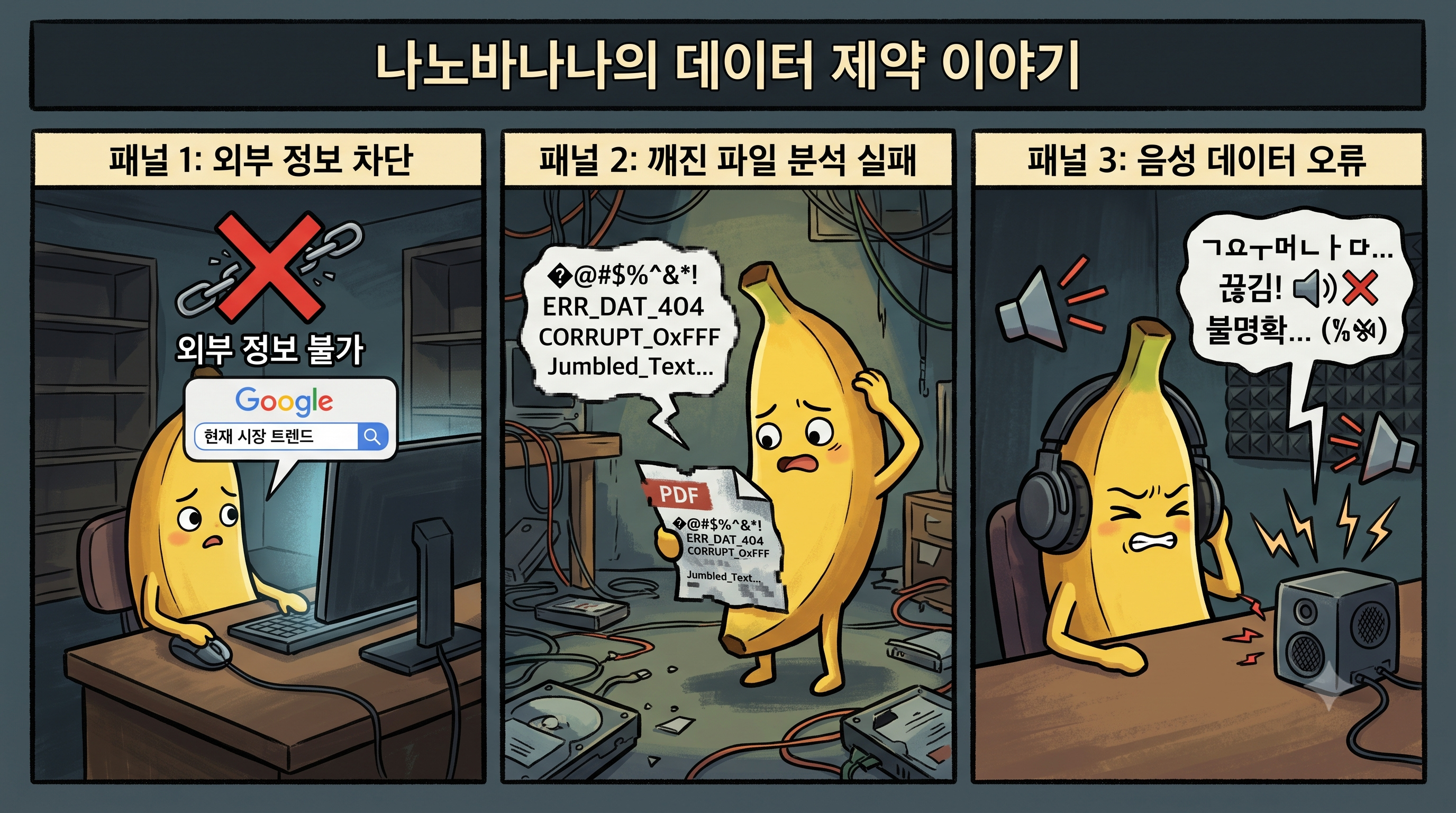
No tool can be perfect, no matter how good it is. I felt as I applied it to my work Disappointments and limitationsIt was also clear.

1) Missing informationwill never find you Uploaded The attribute that generates the answer only inside the source documentIf you ask a general question that is not included in the award, external and up-to-date market trends or documentation, only the answer “not found in the information provided” will be returned. This means that it is not suitable for general Googling or idea storm use.
2) If you put the wrong data, your answer will be broken (Garbage In, Garbage Out) The performance of AI depends, in the end, on the quality of the documents I provide. If you put in a PDF with poor content or errors, the AI will also summarize based on the incorrect content. Screening of documents is completely up to the person.
3) Sorry for the Korean language support of Audio Overview Based on a document uploaded by one of NotebookLM's most talked-about Audio overview It's a feature. English documents are very complete, but the creation of Korean conversations is still a little bit mechanical in terms of nuance and pronunciation, so it's a bit unfortunate to hear it like a full Korean podcast.
Three line summary 📌
Key Concept Google's free AI note-taking tool that responds based solely on your PDF/document/link data
Practical Advantages Reduce data research and cross-validation time by 80% with extensive report summaries and source shortcuts
Honest limits Unable to retrieve external information, response level depends on the quality of the uploaded material
Conclusion
It's an era where new AI tools are pouring in, but at the end of the day, practitioners really need "Can you reduce my working time by just 30 minutes today?.
In that sense, NotebookLM is the neatest way to solve the tedious document recap that used to be a copy-paste of text.
If you are thinking about working overtime while buried in a lot of data, I suggest you put one PDF file on your laptop LM that you should read right now and ask your questions. Your way home from work may start much faster than you think.
I hope today's post helps you become more efficient at your job!

Thank you